Ecovacs troubleshooting: common issues, solutions and maintenance
An Ecovacs that breaks down is almost never actually faulty: in the vast majority of cases, it's overdue maintenance showing up. Here are the most commonly reported issues, their real cause, and how to fix them without going through customer support.
The most common issues
Clogged roller or brush
Cause. Long hair and pet fur gradually wrap around the axle, until it blocks rotation or stalls the motor.
Solution. Remove the cover, take the roller or brush out of its housing, and cut away the wrapped fibres. "Self-cleaning" rollers (X8 Pro Omni) limit this thanks to their rinse nozzles, but no system eliminates it entirely. Then rinse with clean water and let it dry completely before reassembling.
The robot gets lost or can't find its dock
Cause. The navigation map has become corrupted after a major furniture move, or access to the dock is physically blocked.
Solution. Clear at least 1.5 metres in front of the dock, on the sides as well as in front. Relaunch a full mapping run from the ECOVACS HOME app rather than letting the robot try to correct an already-wrong map. If the problem keeps recurring, delete the existing map and let the robot remap the entire home in a single pass.
The dock won't empty the dust bin
Cause. The emptying tube is blocked by a piece of debris that's too large, or the robot's bin isn't properly latched against the dock's emptying system.
Solution. First check that the robot is properly aligned and in contact with the dock's emptying system. If the problem persists, unplug the dock, remove the bag or cyclonic bin, and inspect the emptying duct with a flashlight.
The mopping system smells bad
Cause. A damp mop pad or roller left in contact with dirty water, without enough drying, grows bacteria within a few hours.
Solution. Check that the dock's hot-air drying cycle actually kicks in after every mopping run. In addition, take the mop pads out and let them dry flat in the open air rather than folded in the collection bin, especially in humid weather.
Never let a dirty mopping system spin-dry and sit folded on itself in the collection bin for several days: it's the number one cause of persistent odours.
The robot gets stuck on a threshold
Cause. The obstacle-crossing figure advertised by the manufacturer (up to 4 cm on TruePass models) is a maximum value under ideal conditions; a thick rug just before the threshold, or an unfavourable approach angle, is enough to stall a robot that's otherwise capable of crossing that height.
Solution. Approach the threshold perpendicularly, not at an angle. If it stalls systematically, compare the threshold's actual height (with a ruler) to the crossing figure advertised for your model.
Sensor error
Cause. Nine times out of ten, a distance sensor or the AIVI camera simply covered in dust triggers a false alert.
Solution. Wipe all visible sensors with a dry microfiber cloth, without alcohol-based products. If the error persists over several consecutive days, it's likely a failing sensor to report to customer support.
The maintenance schedule
| Item | Frequency | Action |
|---|---|---|
| Roller or main brush | Every week | Remove, untangle, rinse |
| Sensors and camera | Every month | Wipe with a dry microfiber cloth |
| Filter | Every month | Tap clean, wash if compatible, otherwise replace |
| Bag or cyclonic bin | Depends on capacity | Check the level, empty before it's full |
| Mop pads / roller | Every 3 to 6 months | Replace (beyond that, wear damages the floor) |
| Dock: descaling | Every 6 months | Cycle with descaler or diluted white vinegar, then rinse |
Never use pure white vinegar or undiluted descaler in the tank: a solution that's too concentrated damages the dock's internal seals and tubing, damage that generally isn't covered under warranty.
Keeping to this schedule avoids nearly all the breakdowns that end up going to customer support. The rest — bag, filter, roller — is a matter of consumables to renew, not a breakdown as such.
→ Ecovacs accessories and consumables: what to replace, and when → Our ranking of the best Ecovacs models → How we assess Ecovacs robots
Frequently asked questions
Why can’t my Ecovacs find its dock anymore?
Most often because the navigation map has become corrupted, or the dock has been moved. First check that nothing is blocking the metre and a half in front of the dock, then relaunch a full mapping run from the ECOVACS HOME app.
Why does my Ecovacs’ mop pad or roller smell bad?
The smell comes from a mopping system left damp, in contact with dirty water, without air drying. Check that the hot-air drying cycle actually kicks in after every cycle.
Should I worry about a recurring sensor error?
Not immediately. Nine times out of ten, a sensor error just comes from a sensor coated in dust: a wipe with a dry microfiber cloth is enough. It’s only a cause for concern if the error comes back several days in a row.
The best picks right now
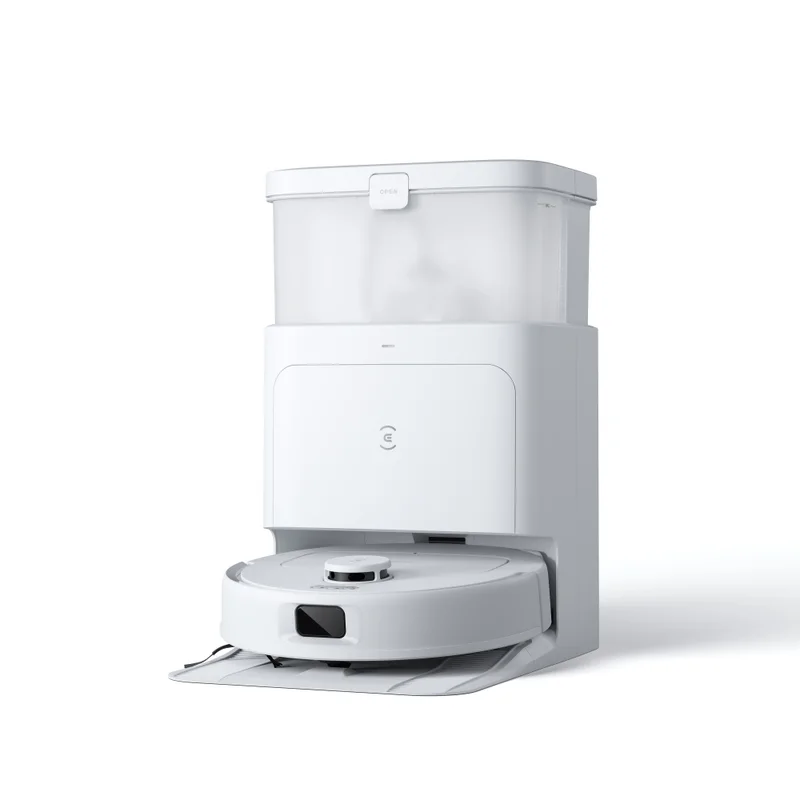
Ecovacs Deebot N30 Pro Omni
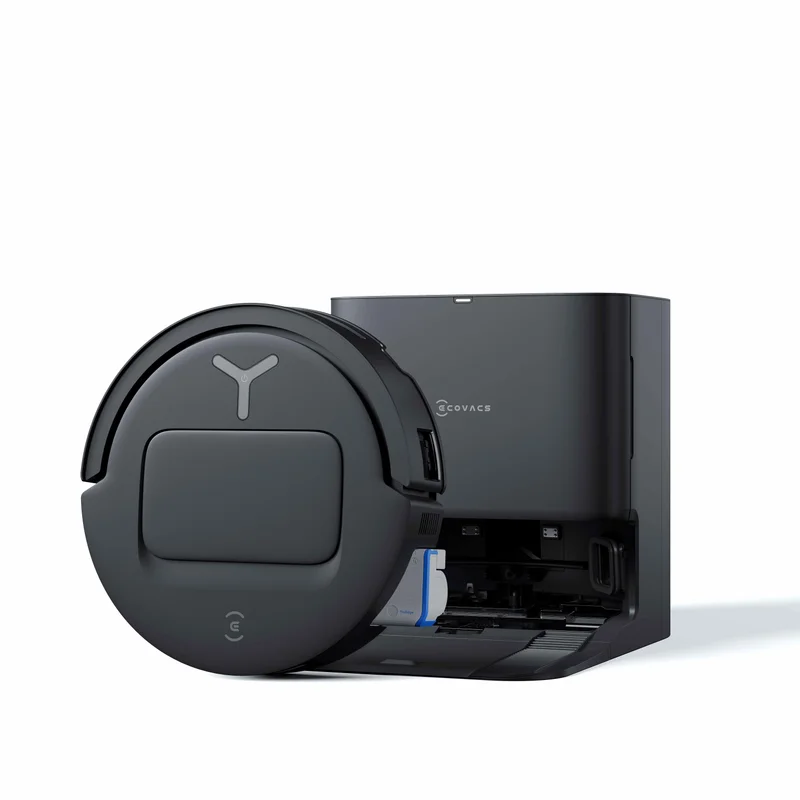
Ecovacs Deebot T80 Omni